Overview
Bookmarks turn web sources into reusable research. Save a URL, keep preview metadata, summarize it with AI when available, attach it to a notebook, and connect it to related pages.
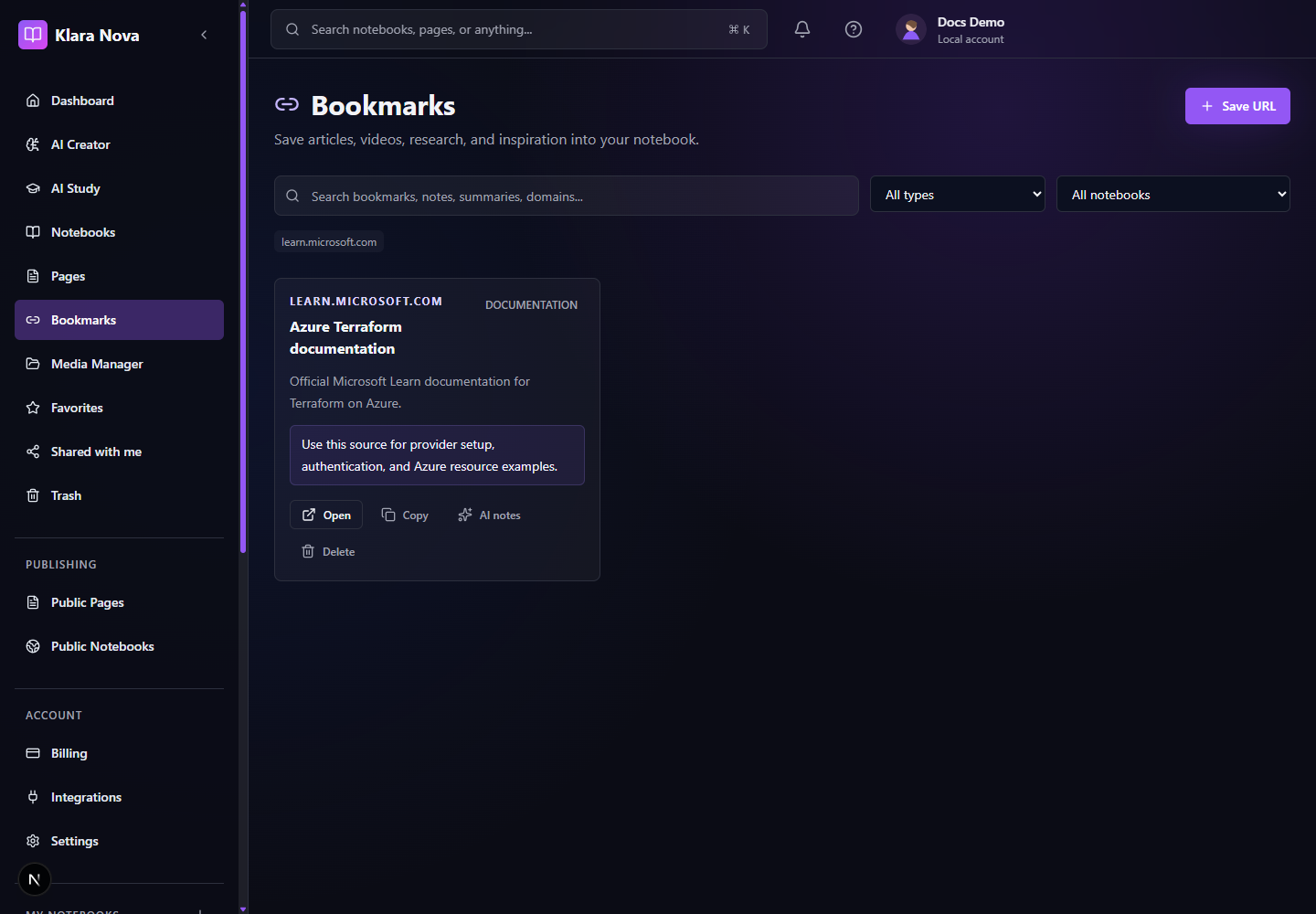
Save A Research Source
Use bookmarks whenever a web source informs a notebook or page.
Steps
- 1Open Bookmarks or a notebook research page.
- 2Choose Save URL.
- 3Paste the source URL.
- 4Review the generated title, description, image, and domain.
- 5Generate an AI summary if Pro AI is available.
- 6Attach the bookmark to a notebook or page.
- 7Use related pages to connect the source to writing.
Tips
- Add short notes explaining why a source matters.
- Tag sources by topic, reliability, or content type.
- Keep research in the notebook where it will be used.
Common mistakes
- Saving sources without attaching them makes them harder to rediscover.
- AI summaries do not replace reading the original source.
FAQ
Can I undo a change?
Use page history where available, or restore deleted items from Trash before permanent deletion.
Who can see private work?
Private notebooks, pages, media, bookmarks, and notes are only visible to you unless you explicitly share or publish them.