Overview
Klara Nova is a workspace for notebooks, pages, research, media, and AI-assisted knowledge work. Start with a notebook, create pages inside it, then attach research, images, notes, and public publishing settings as the project matures.
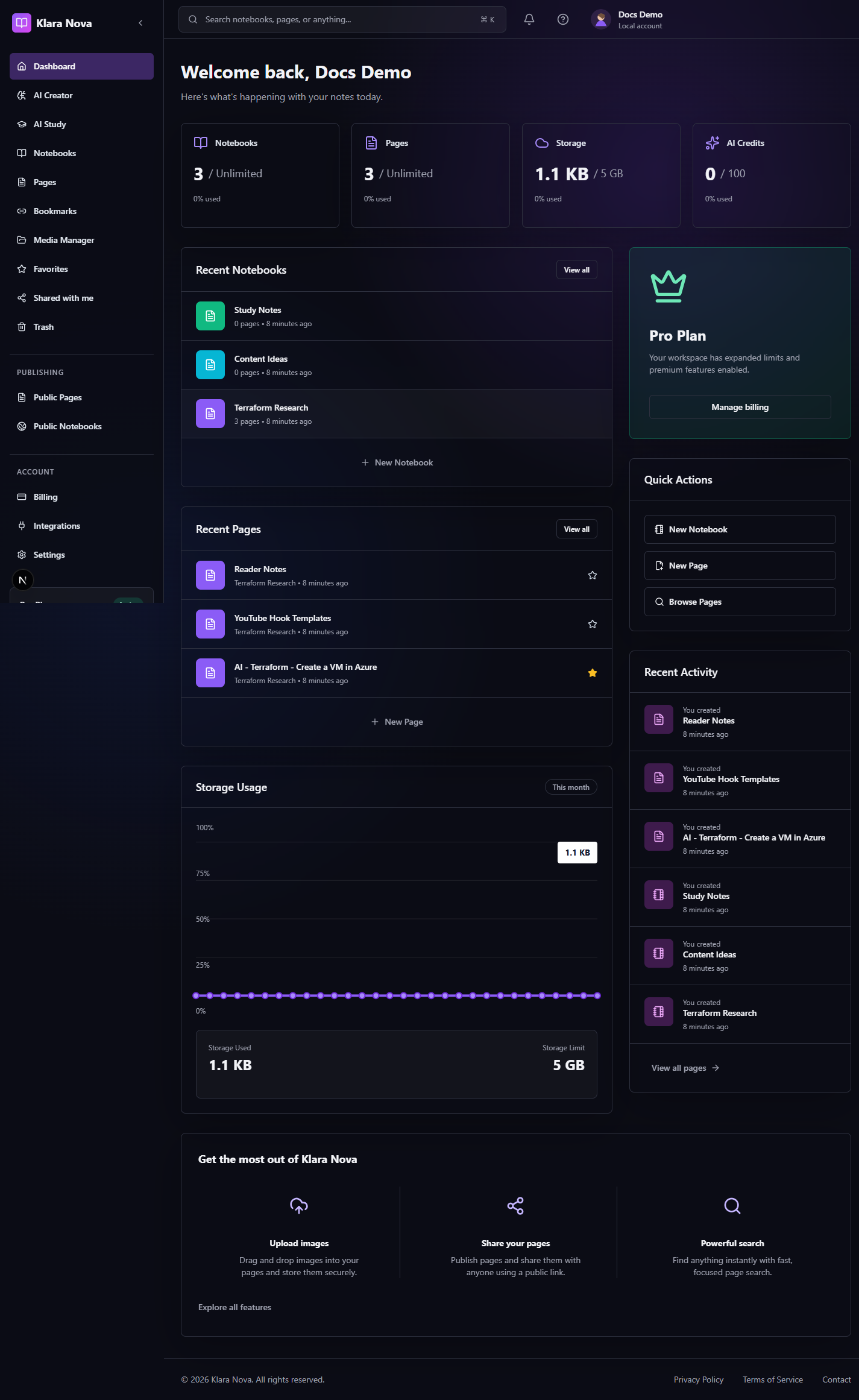
Create Your First Workspace
Use this flow when you are setting up Klara Nova for the first time or creating a clean project area for a new topic.
Steps
- 1Open the sign-up page and create your account.
- 2Verify your email if verification is enabled for the workspace.
- 3Open the dashboard and review the notebook, page, storage, and AI credit cards.
- 4Choose New Notebook and give the notebook a project-focused name.
- 5Create your first page from the notebook or Pages area.
- 6Use search from the top bar to find notebooks, pages, and research as the workspace grows.
Tips
- Name notebooks after projects or durable topics, not temporary tasks.
- Pin important pages so they stay visible in repeated workflows.
- Keep the first page short; add structure once the project has a shape.
Common mistakes
- Skipping email verification can block protected actions.
- Putting unrelated topics in one notebook makes later publishing and sharing harder.
FAQ
Can I undo a change?
Use page history where available, or restore deleted items from Trash before permanent deletion.
Who can see private work?
Private notebooks, pages, media, bookmarks, and notes are only visible to you unless you explicitly share or publish them.