Overview
Klara Nova separates private workspace content from explicitly shared or public content. Account security includes credential protections, email verification, session controls, optional two-factor authentication, and visibility settings for pages, notebooks, and media.
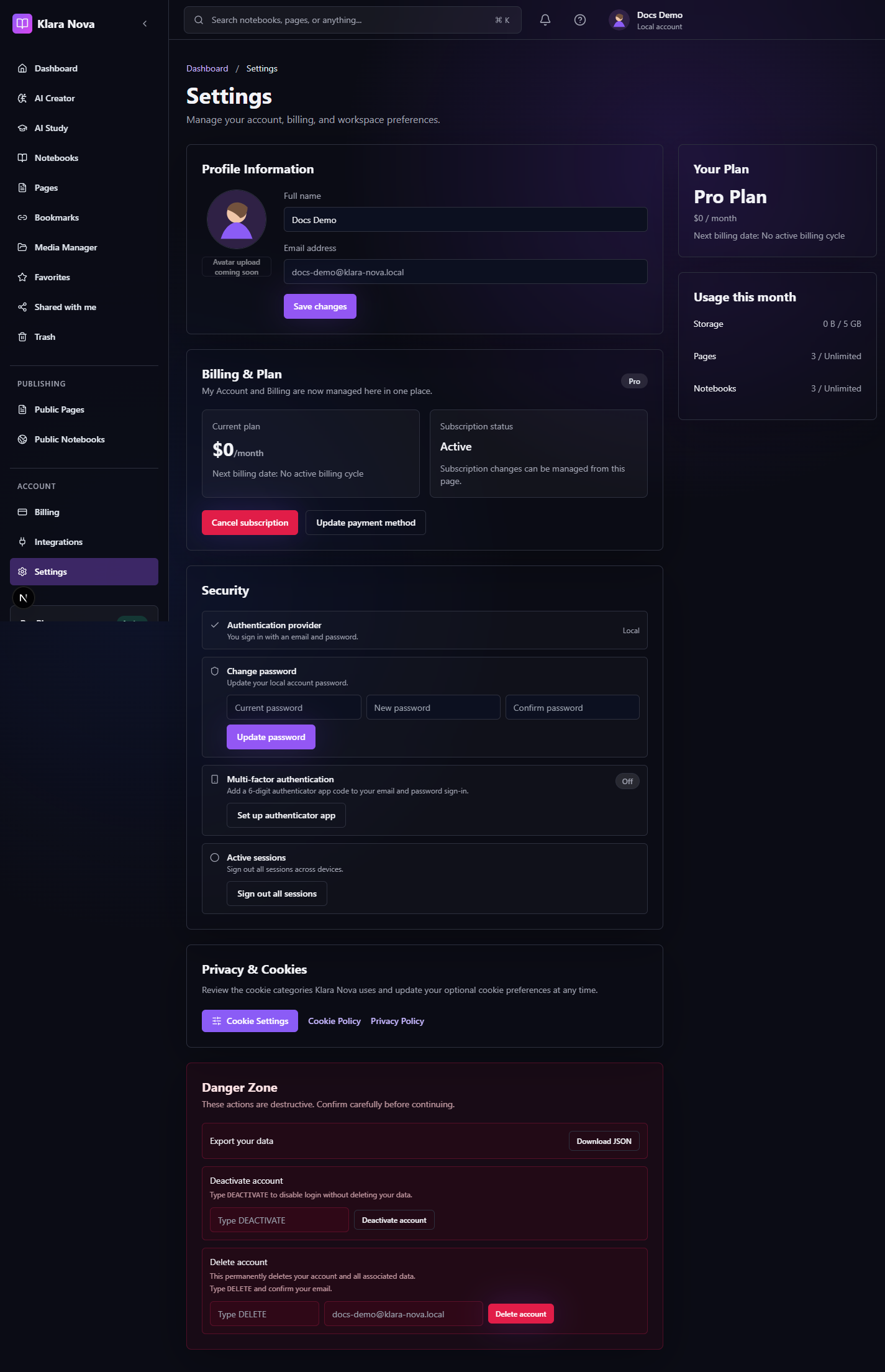
Protect Your Workspace
Use this checklist when reviewing an account or before publishing sensitive content.
Steps
- 1Verify your email address.
- 2Use a strong unique password or trusted OAuth provider.
- 3Enable two-factor authentication if available.
- 4Review shared pages and notebooks.
- 5Check public publishing settings before sharing links.
- 6Confirm public media does not contain private information.
- 7Contact support if you see unexpected access or billing activity.
Tips
- Private is the default for workspace content.
- Public URLs should be treated as visible to anyone with access to the link.
- Use role-based sharing for collaborator access instead of public publishing.
Common mistakes
- Publishing a notebook to share privately with one person.
- Assuming private media will render on public pages.
FAQ
Can I undo a change?
Use page history where available, or restore deleted items from Trash before permanent deletion.
Who can see private work?
Private notebooks, pages, media, bookmarks, and notes are only visible to you unless you explicitly share or publish them.