Overview
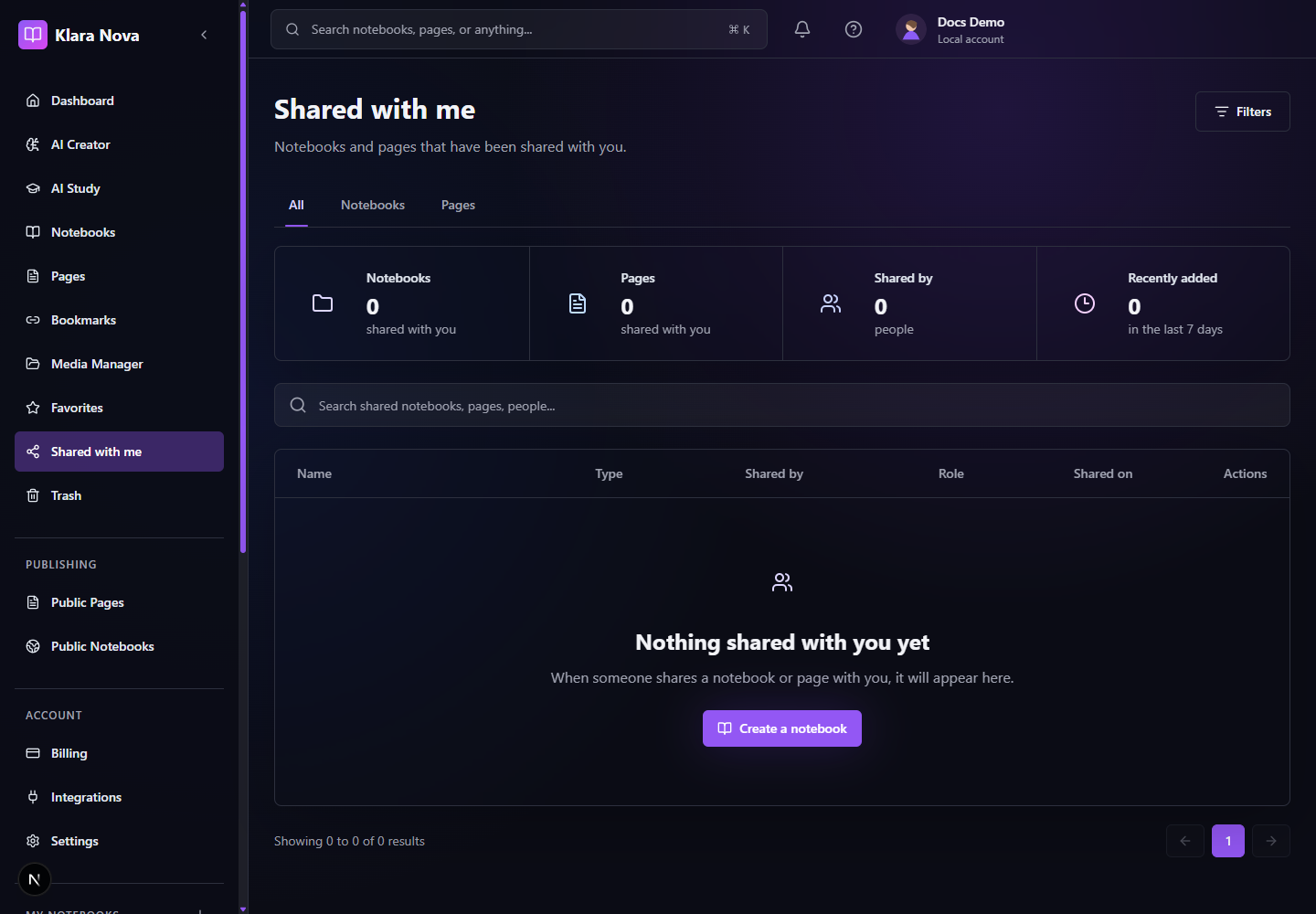
Collaboration lets teams share pages and notebooks with specific roles. Shared with Me collects incoming work, comments support review, and realtime editing may be available when enabled for the workspace.
Share Work
Use sharing when collaborators need access before something is public.
Steps
- 1Open the page or notebook.
- 2Choose Share.
- 3Enter the collaborator email.
- 4Choose Viewer, Commenter, Editor, or Owner-style access when available.
- 5Send the invitation.
- 6Use comments for review and change requests.
- 7Open Shared with Me to find work shared by others.
Tips
- Give the narrowest role that supports the job.
- Use comments for review, not permanent documentation.
- Confirm whether realtime editing is enabled before planning a live session.
Common mistakes
- Sharing a notebook gives access to more context than a single page.
- Public publishing is separate from collaboration sharing.
FAQ
Can I undo a change?
Use page history where available, or restore deleted items from Trash before permanent deletion.
Who can see private work?
Private notebooks, pages, media, bookmarks, and notes are only visible to you unless you explicitly share or publish them.