Overview
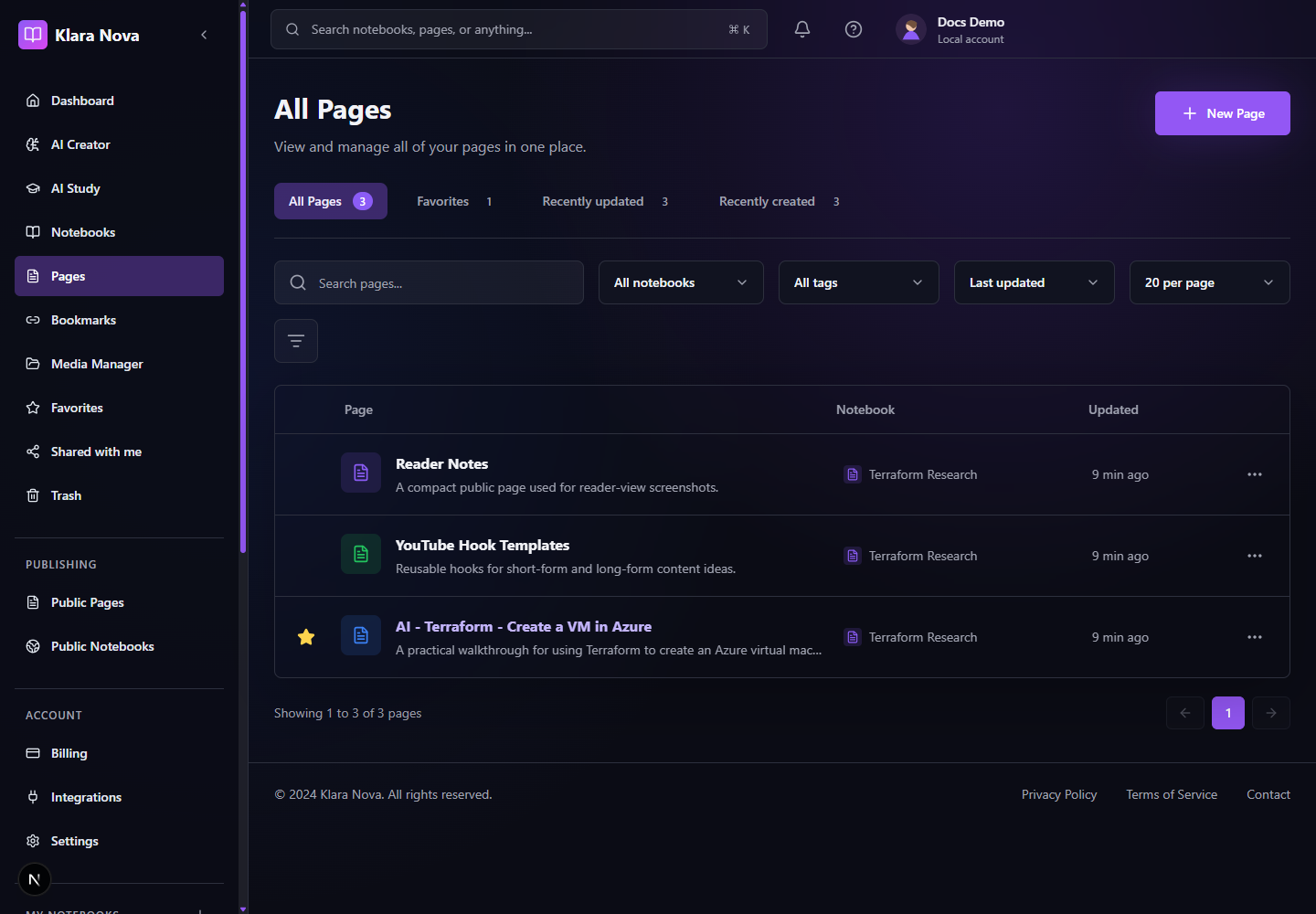
Pages are the main writing surface in Klara Nova. A page can hold Markdown, media, AI blocks, related research, notes, and publishing metadata.
Create And Use Pages
Use pages for notes, documentation, briefs, meeting summaries, study material, and public articles.
Steps
- 1Open Pages or a notebook.
- 2Choose New Page.
- 3Select the target notebook and add a title.
- 4Write in the editor or paste Markdown.
- 5Open Reader view when you want a focused reading layout.
- 6Use Tools for AI, exports, and page actions.
- 7Use Notes for private or shared annotations.
- 8Favorite important pages and restore deleted pages from Trash when needed.
Tips
- Keep one page focused on one idea or deliverable.
- Use reader view before publishing to catch structure issues.
- Favorites are best for daily operating pages.
Common mistakes
- Creating pages outside the intended notebook makes publishing bundles harder.
- Private notes are not a substitute for publishing visibility checks.
FAQ
Can I undo a change?
Use page history where available, or restore deleted items from Trash before permanent deletion.
Who can see private work?
Private notebooks, pages, media, bookmarks, and notes are only visible to you unless you explicitly share or publish them.