Overview
Public publishing turns selected pages and notebooks into reader-friendly URLs. Before publishing, confirm visibility, SEO metadata, indexing settings, and whether media inside the content is public or private.
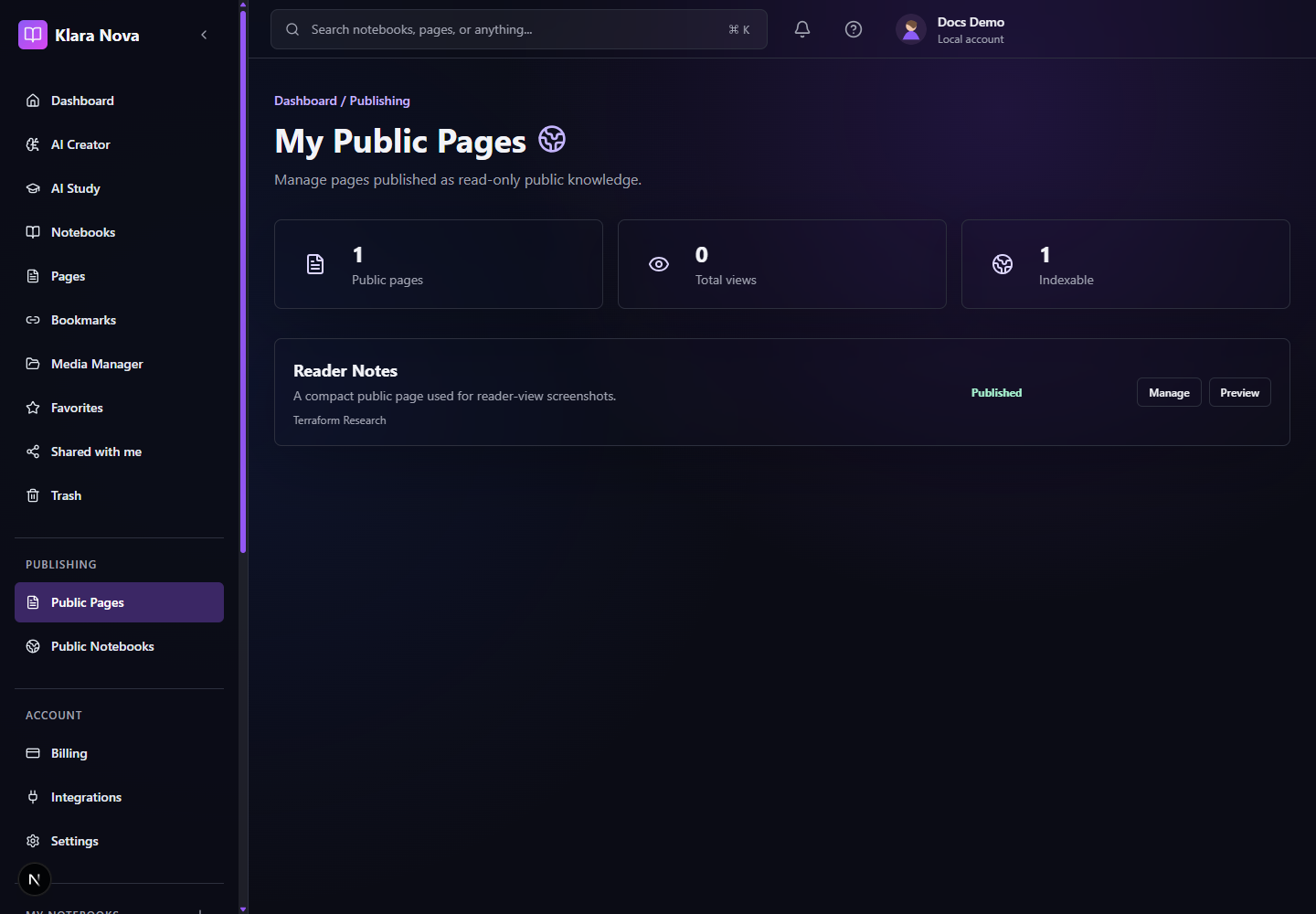
Publish Safely
Use publishing when a page or notebook is ready for external readers.
Steps
- 1Open the page or notebook settings.
- 2Set visibility to public.
- 3Add SEO title, description, canonical URL, and Open Graph image if needed.
- 4Check public and private media warnings.
- 5Open the public reader view.
- 6Review the page or notebook as an anonymous reader.
- 7Disable public visibility if the content should return to private.
Tips
- Use reader view as the final quality check.
- Keep titles literal and useful for searchers.
- Only allow indexing for content you want discoverable.
Common mistakes
- Publishing a notebook before checking every page inside it.
- Leaving private images in a public page.
FAQ
Can I undo a change?
Use page history where available, or restore deleted items from Trash before permanent deletion.
Who can see private work?
Private notebooks, pages, media, bookmarks, and notes are only visible to you unless you explicitly share or publish them.